Office Wise

Know your office days, without the math.

Coming soon to the App Store

Stays on your device. No account.

For iPhone · iOS 18 or later

What it does

One tap when you go in. It works out the rest.

Every screen answers a question you actually have.

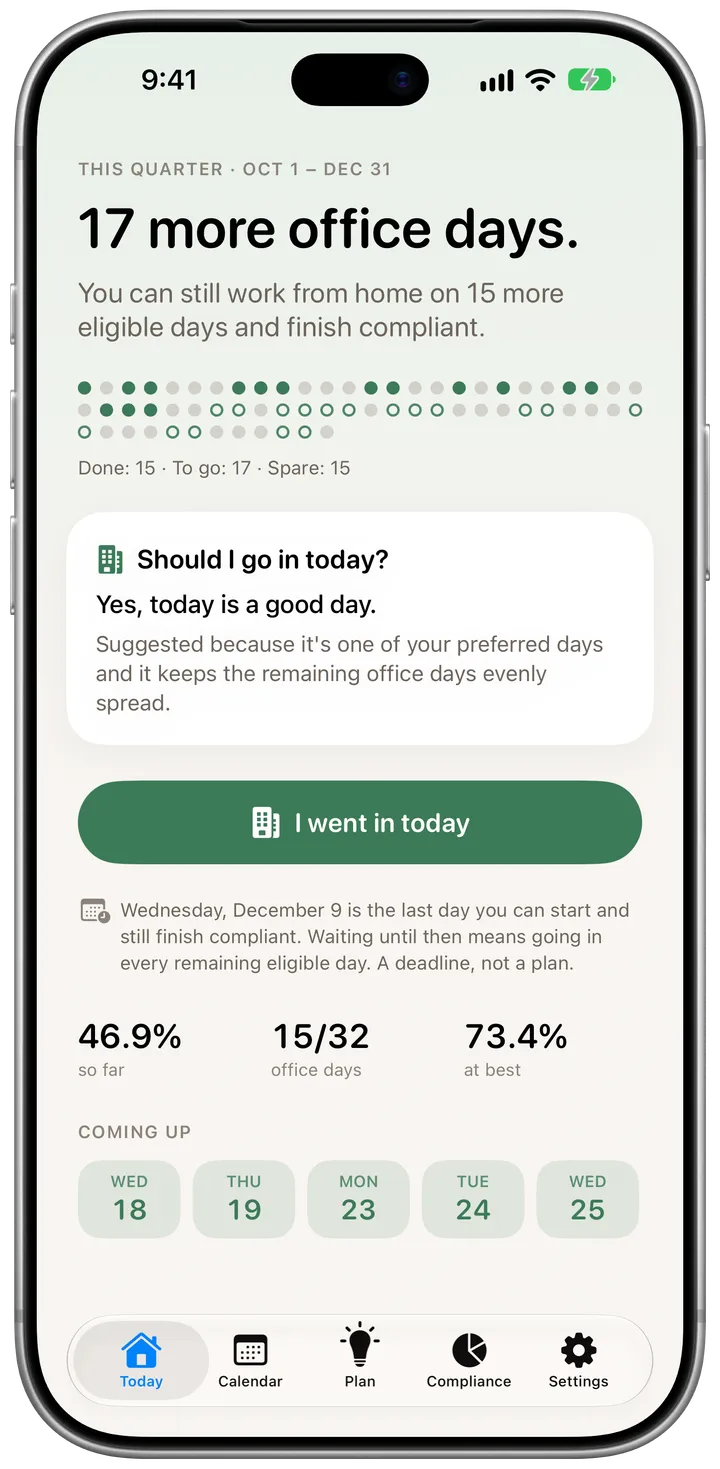
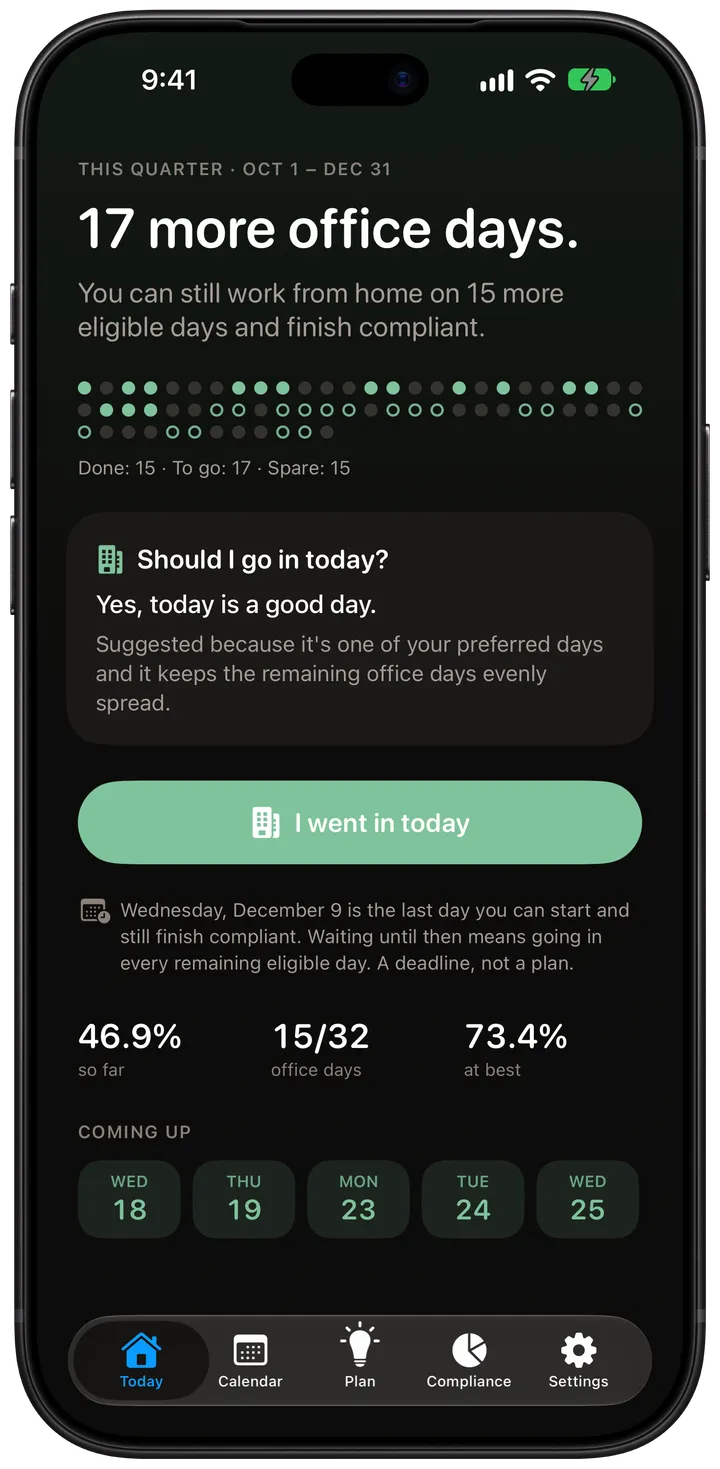
  1. The Today screen: 17 more office days, a dot for every day of the quarter, and the card 'Should I go in today?' The Today screen: 17 more office days, a dot for every day of the quarter, and the card 'Should I go in today?'

    Today

    17 more office days.

    The answer comes first: how many days you still need, how many you can spare, and whether today is a good day to go in.

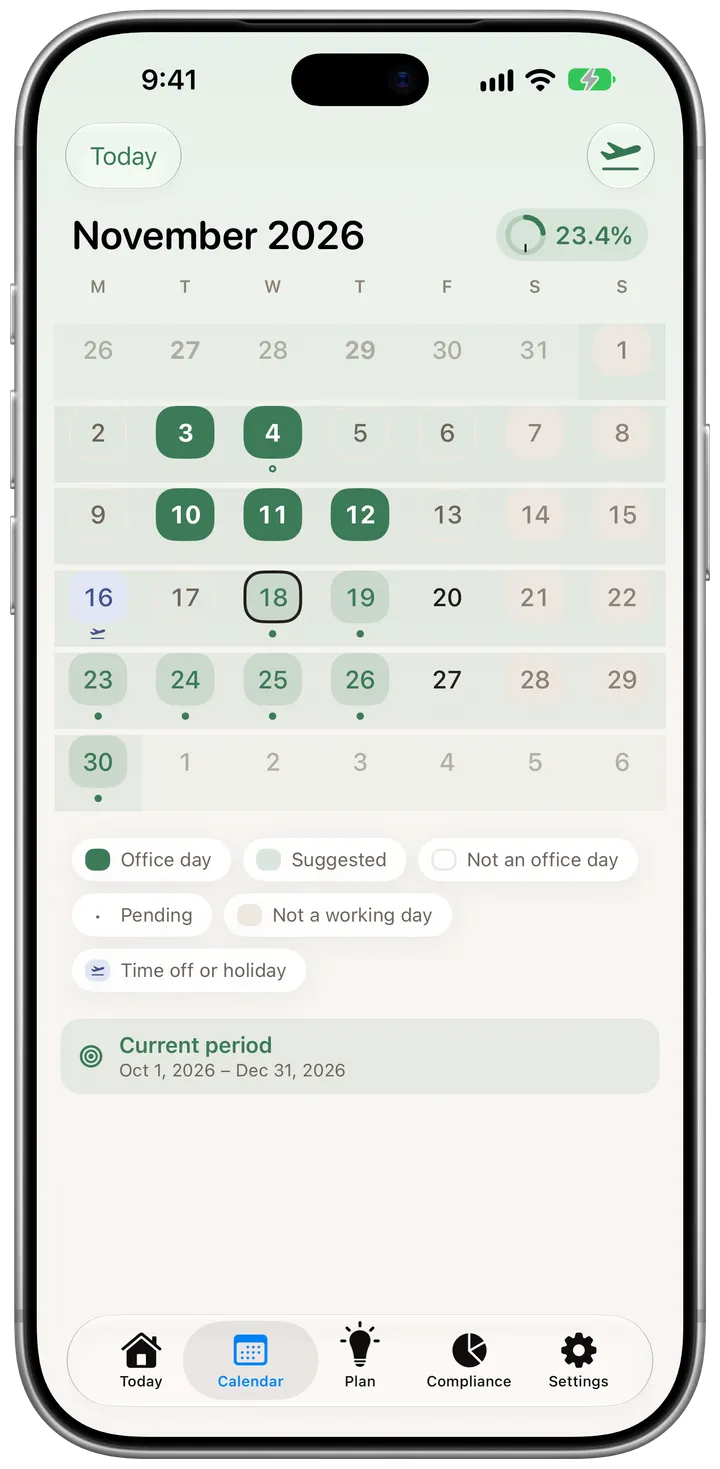
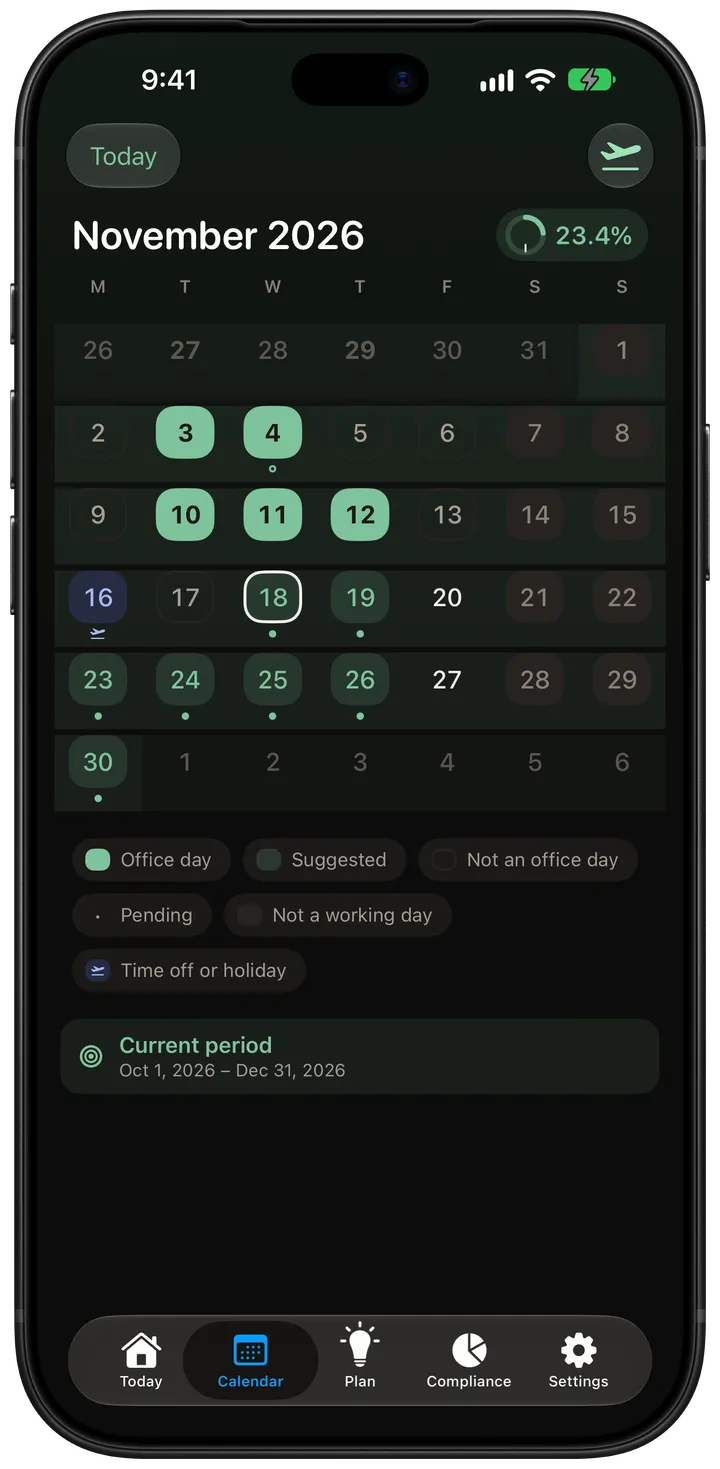
  2. The Calendar screen showing November with office days, suggested days and time off. The Calendar screen showing November with office days, suggested days and time off.

    Calendar

    Every day, at a glance.

    Tap any day to record it, backfill a past one, or add time off. Office days, suggestions, holidays and time off each have their own shape.

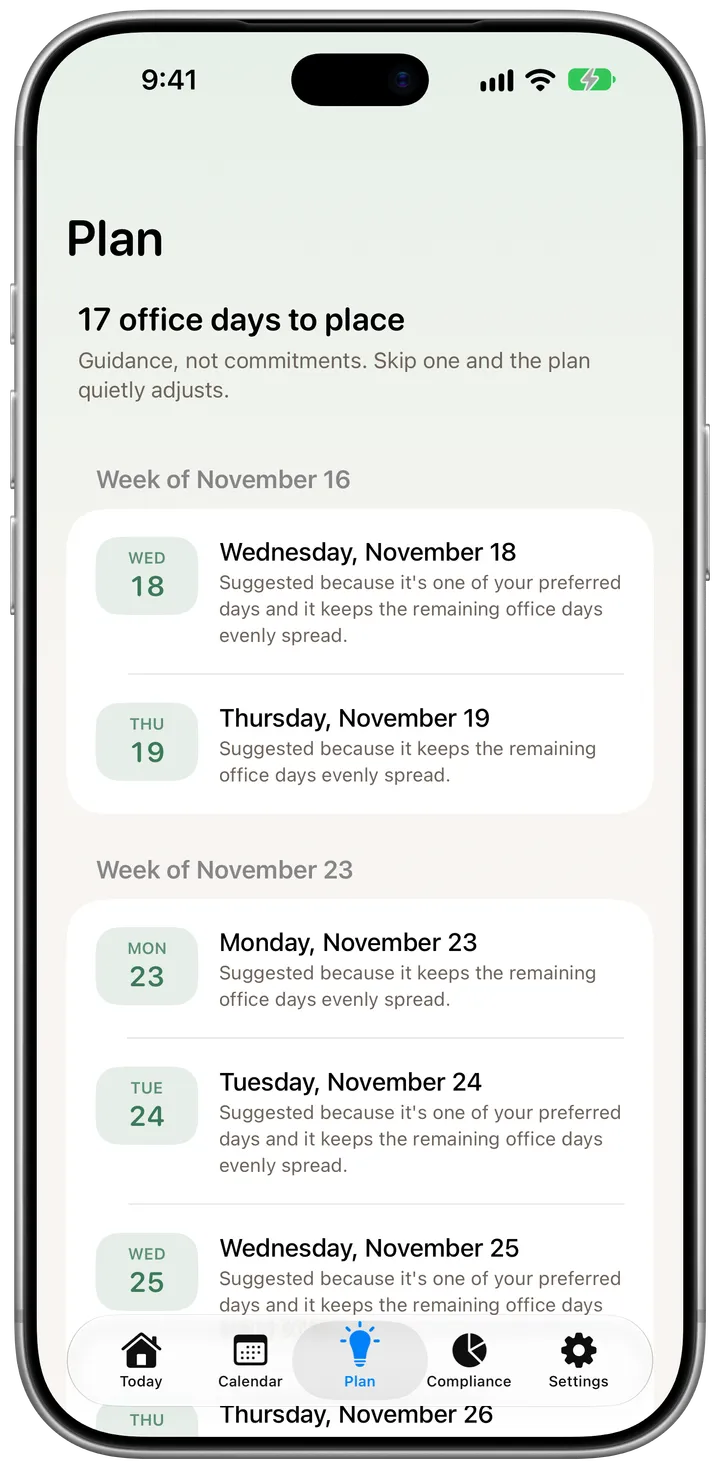
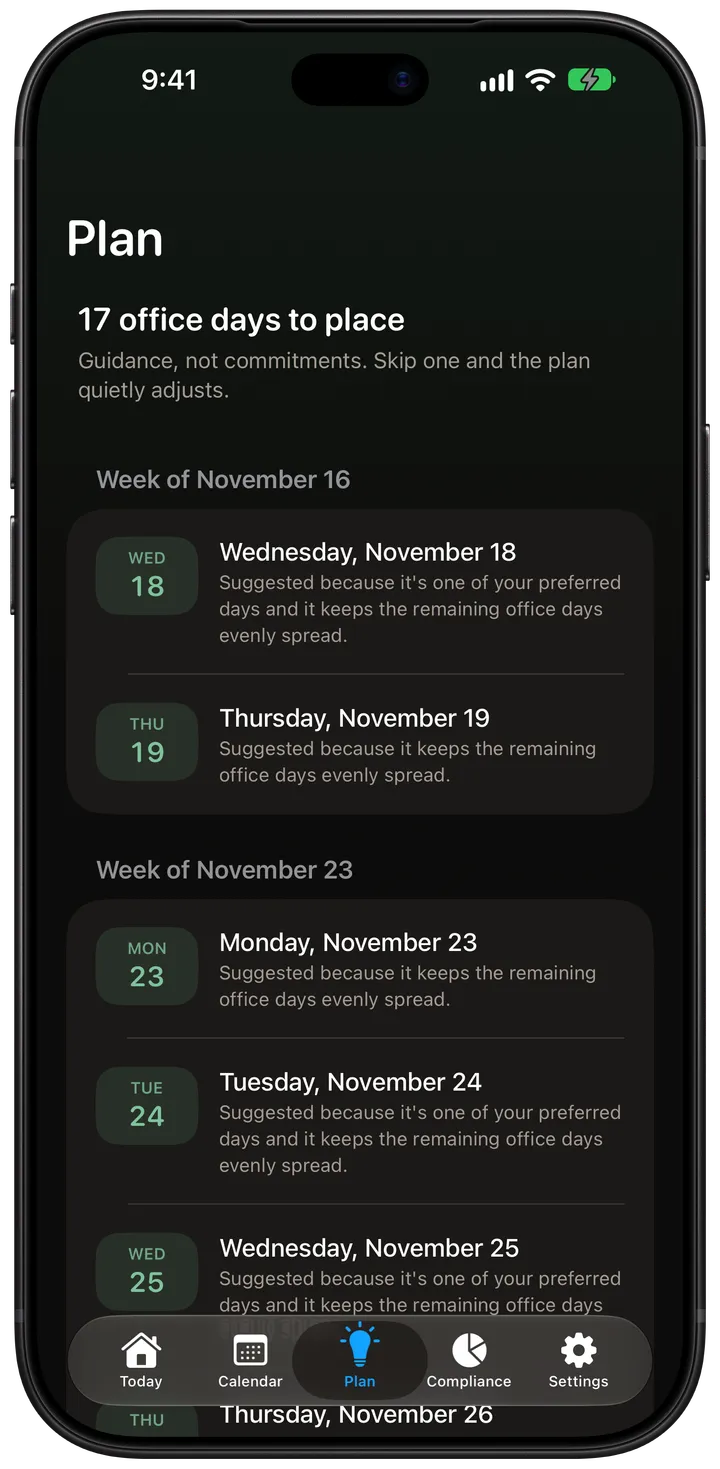
  3. The Plan screen listing suggested office days by week, each with the reason it was suggested. The Plan screen listing suggested office days by week, each with the reason it was suggested.

    Plan

    Guidance, not commitments.

    Suggested days that honour your preferences and spread the rest evenly. Skip one and the plan quietly adjusts. There is nothing to dismiss.

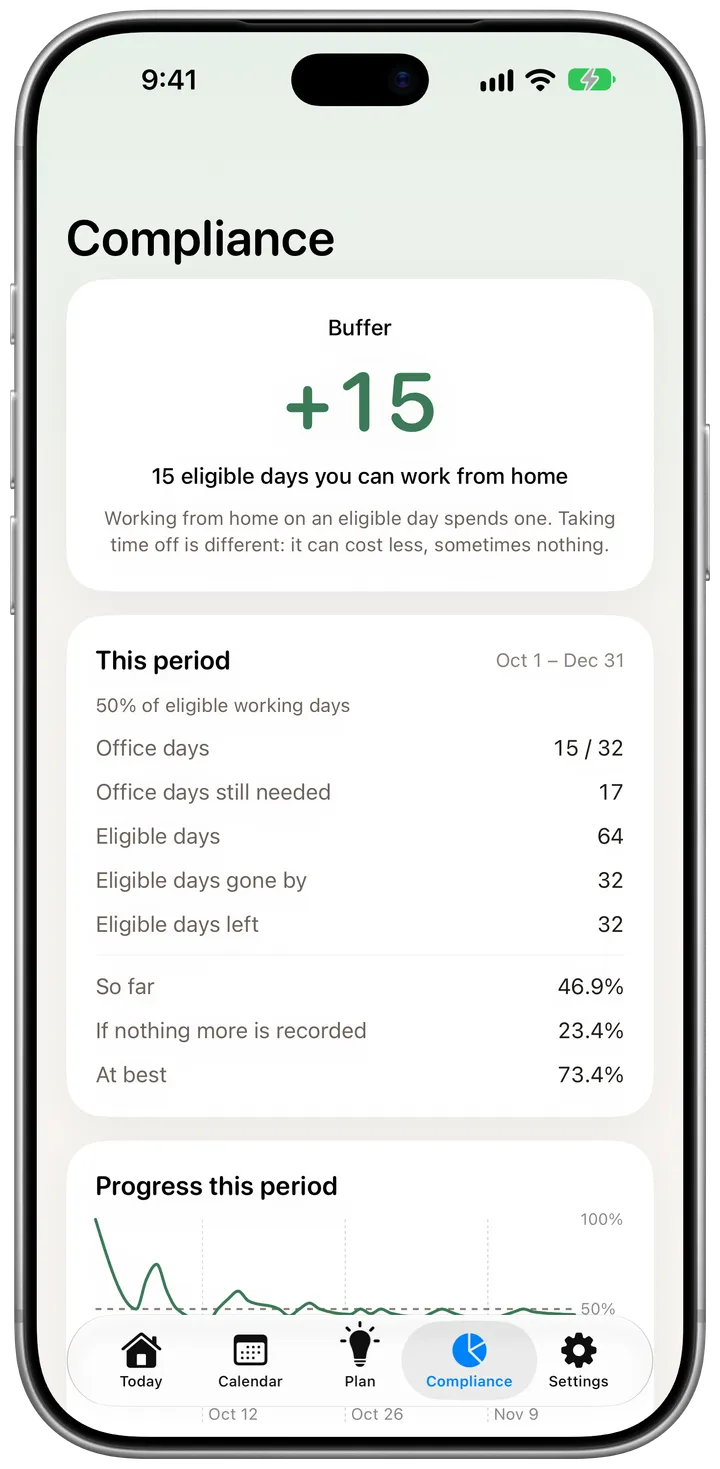
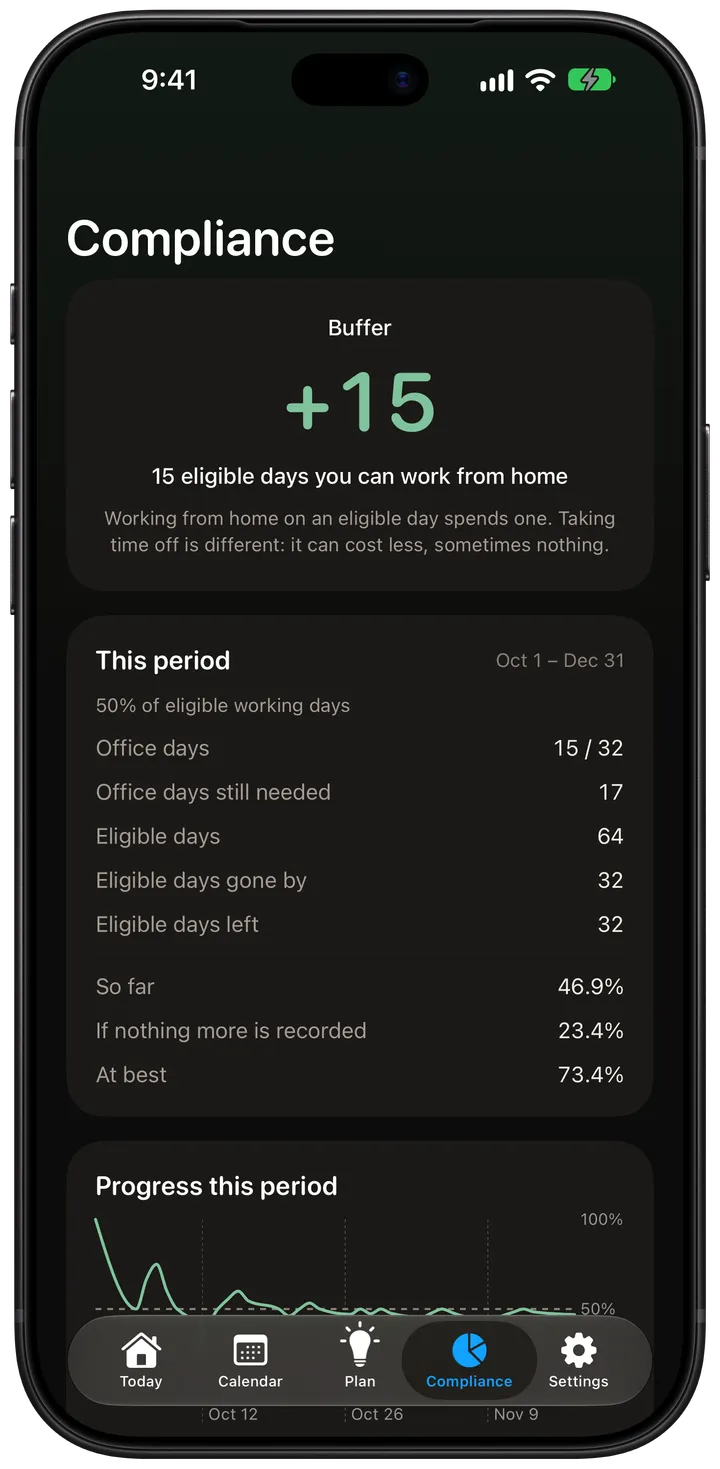
  4. The Compliance screen with a spare-days margin of +15 and the period's totals. The Compliance screen with a spare-days margin of +15 and the period's totals.

    Compliance

    Every number explained.

    See your spare days, what you have done so far and the best you can still reach. Follow any figure from the calendar to the verdict, down to the rounding.

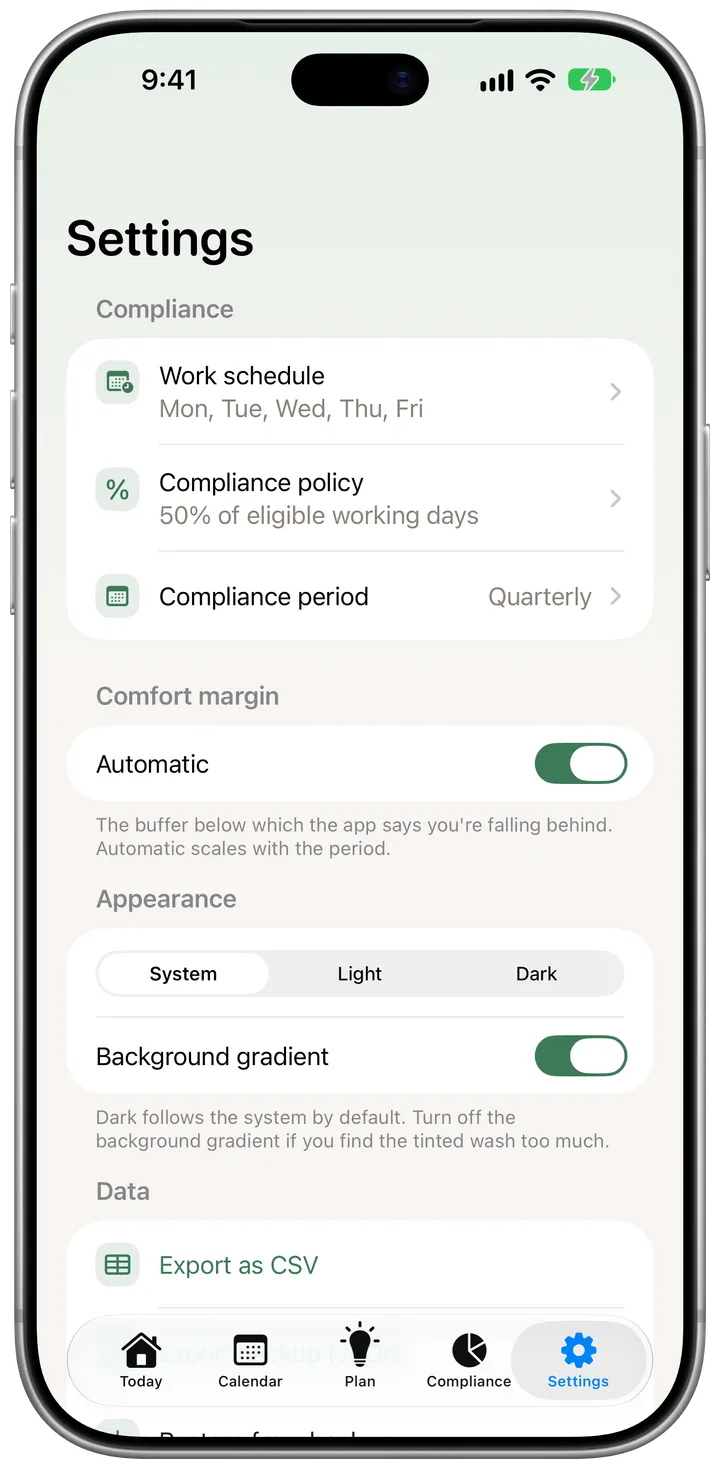
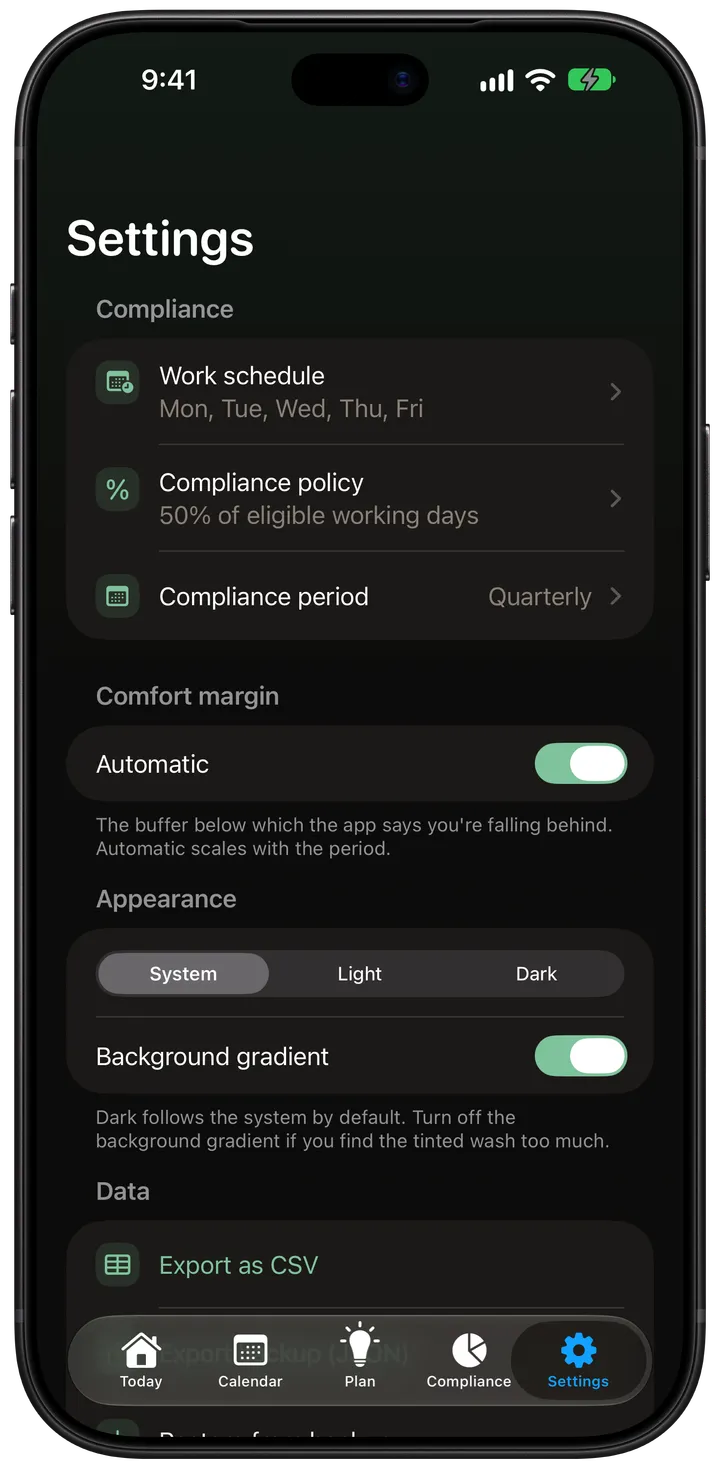
  5. The Settings screen with work schedule, compliance policy and compliance period. The Settings screen with work schedule, compliance policy and compliance period.

    Your policy

    Set it once, change it any time.

    A percentage, days per week or days per month, over the period your workplace uses. When your policy changes, your history stays accurate.

  • Home Screen widget

    “Should I go in today?” answered from your Home Screen, with a button to record today.

  • Siri and Shortcuts

    Say it or automate it: mark an office day, today or any date, without opening the app.

  • Your data is yours

    Export your record as CSV or JSON, and import a JSON backup whenever you need it.

  • English and Spanish

    Follows your iPhone's language, in light or dark. Switching language changes every label and no number.

Private by construction.

Your record stays on your device. There is no account to create and nothing to sign in to.

Pricing

Free for what matters. Premium for the rest.

Knowing where you stand is free, forever. Premium does more of the work for you.

Free

$0 forever

Everything you need for the period you're in:

  • Record office days, time off and company holidays
  • Every compliance figure, with how it was worked out
  • Spare days, your deadline, and “Should I go in today?”
  • A suggested plan that follows your preferences, your planned days and your calendars
  • This period and the one before it
  • An end-of-day reminder, so recording a day stays one tap
  • The Today widget, and marking a day with Siri
  • Export and restore your data as CSV or JSON

Premium

  • $2.99 per month
  • $19.99 per yearBest value 7-day free trial · save 44%
  • $39.99 once Pay once, keep it

Everything in Free, plus:

  • What if: try skipping days, adding time off or a policy change before you decide
  • Your full history and a year report
  • A PDF report with the working shown, ready to share
  • Reminders when you’re falling behind, on your latest safe day, before a period ends, and on the days your plan suggests
  • Week-by-week consistency insights
  • More widgets for the Home Screen and the Lock Screen
  • More Shortcuts: undo, add time off, check your status, see upcoming days
  • Import your country’s public holidays

Your data is never held back. Export is always free, and if Premium ends nothing is deleted: your records keep counting, and earlier periods come back when you resubscribe.

Planned prices for launch, in US dollars; the App Store will show the price in your currency. They may change before launch.

Questions

When can I get it?

Office Wise is coming soon to the App Store, for iPhone with iOS 18 or later. It will be free to download, with an optional Premium plan.

Do I need an account?

No. Office Wise works without an account, and your record stays on your device.

Is this a tool for my employer?

No. It is a personal app for one person, with no employees, managers or approvals. It helps you meet your own workplace policy with the fewest trips.

Do I have to log remote days?

No. You only record the days you go in. A past working day without an office record is simply a non-office day.

Which languages and iOS versions are supported?

English and Spanish, on iPhone with iOS 18 or later.

Coming soon to iPhone.

Office Wise is on its way to the App Store. It will be free to download.

Coming soon to the App Store

Questions? Write to us